
Silicon Data MCP
Compute market intelligence in ChatGPT & Claude
Access Silicon Data through the AI assistants you already use. Explore compute market data, compare pricing, and follow up in natural language—without leaving your conversation.
- ChatGPT
- Claude
 ChatGPT
 Claude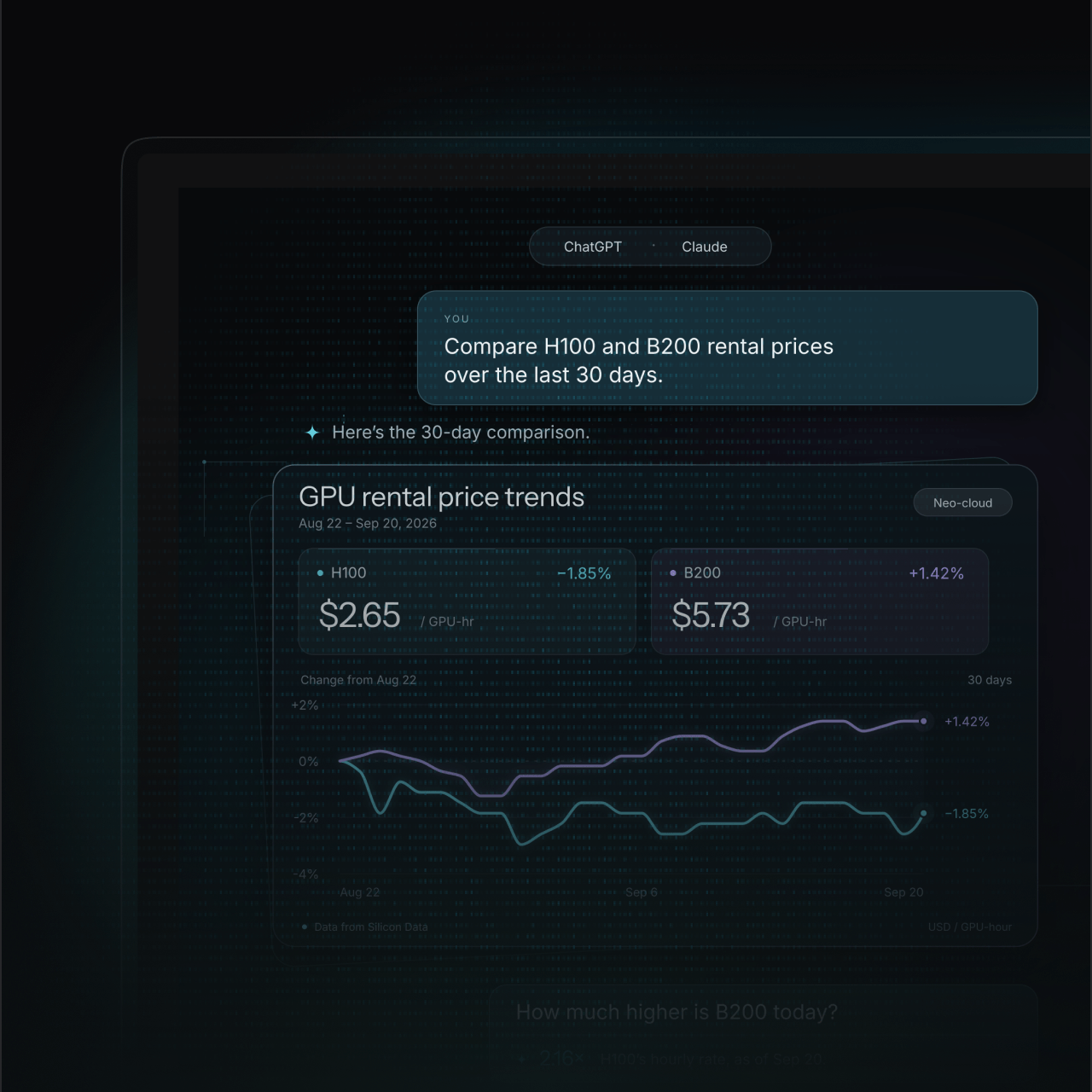
SILICON DATA IN YOUR AI WORKFLOW
Market data. A conversation away.
Ask a question in ChatGPT or Claude. Explore the answer with Silicon Data.
GPU rental pricing
Put the market's latest moves in context.
Historical trends
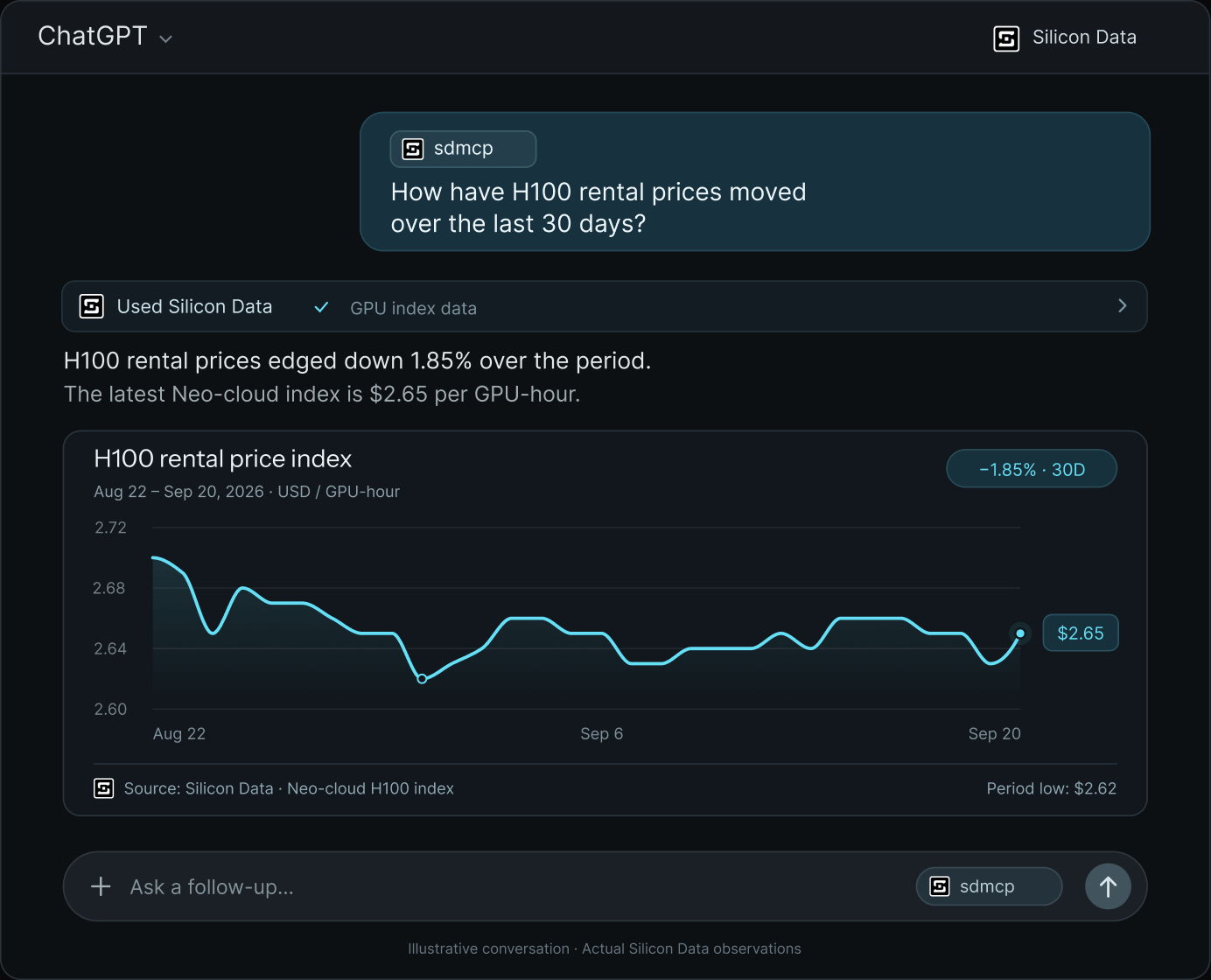
See how pricing changes overtime.
GPU comparisons
Compare benchmarks side by side.
Compute cost planning
Estimate rental costs based on GPU count and usage.
KEEP YOUR RESEARCH MOVING
Less switching. More room for the next question.
Bring data retrieval and follow-up analysis into the same conversation.
A manual research workflow
 A manual research workflow
Find the dataset
Open the portal or documentation and locate the relevant series.
Export and reshape
Download the data, then paste or reformat it for your analysis tool.
Switch back to analyze
Return to your assistant or spreadsheet and rebuild the context for the follow-up.


With Silicon Data MCP
 With Silicon Data MCP
Ask the question
Describe the GPU, period, or comparison in your preferred assistant.
Bring in connected data
Your assistant requests available data from Silicon Data’s services.
Keep the context
Ask for a comparison, a calculation, or a summary in the same conversation.


START WITH A GOOD QUESTION
What would you like to understand?
Explore Silicon Data’s product universe—from rental benchmarks to hardware value and AI model economics.
- 01
Check the market
“Show the latest available H100 rental benchmark, including its date, market segment, and unit.”
- 02
Track a change
“How did H100 rental prices change over the last 30 days? Show the start, end, and percentage change.”
- 03
Compare GPUs
“Compare H100 and A100 rental benchmarks for the same date and market segment in a table.”
- 04
Check comparability
“Which dates, units, and market segments are represented in these results? Flag any gaps before comparing.”
- 05
Prepare a briefing
“Summarize this pricing series in three points for my team. Separate observed changes from possible explanations.”
- 06
Go one level deeper
“Now compare that with the previous 30-day period, keeping the GPU model and market segment unchanged.”
Example questions depend on the data and tools available to your connection.
GET CONNECTED
Connect Silicon Data in four steps
- 1
Open Silicon Data
Click Open in ChatGPT below, then sign in to the account where you want to use Silicon Data.
- 2
Install the plugin
On the Silicon Data plugin page, click Install. Once installed, select Connect if prompted to link your account.
- 3
Authorize access
Complete any sign-in prompts, review the requested permissions, and approve access to finish connecting Silicon Data.
- 4
Start a conversation
Check that Silicon Data appears in your installed plugins. Open a new chat and try the question below.
Or add it from the command line
Point any MCP-capable client at the Silicon Data server. You'll be asked to sign in to your Silicon Data account the first time it connects.
$ claude mcp add --transport http silicon-data https://mcp.silicondata.com/mcpTHE DATA BEHIND THE CONVERSATION
A broader view of the compute economy.
Explore Silicon Data’s product universe—from rental benchmarks to hardware value and AI model economics.
GPU Rental Indices
Daily rental benchmarks for GPUs including H100, H200, A100, B200, and MI300X.
- Rental rates
- Market segments
GPU Pricing Dataset
Instance-level records and country-level rental pricing, with hardware, location, and contract context.
- Instance pricing
- Country data
GPU Forward Curve
Term rental rates and implied forward pricing that bring a longer horizon to compute research.
- Term structure
- Forward rates
GPU Residual Value
A market-informed view of GPU hardware value, based on projected rental earnings and lifecycle assumptions.
- Asset value
- Lifecycle economics
Token Pricebook™
Input and output pricing for AI models, standardized to USD per one million tokens.
- Model pricing
- Input / output
Token Market Pulse™
Aggregated model pricing and normalized usage measures for tracking changes in the token market.
- Pricing trends
- Usage context



SILICON DATA MCP
Frequently Asked Questions (FAQ)
A: Silicon Data MCP connects ChatGPT and Claude to Silicon Data’s data services through Model Context Protocol. It lets you request available compute market data in natural language, then explore the results within your conversation.
A: Yes. Silicon Data MCP is built on the Model Context Protocol, an open standard that both ChatGPT and Claude support. Connect it once in either assistant and the same Silicon Data services are available in your conversations.
A: The connection exposes Silicon Data’s published market data: the daily GPU rental indices (H100, H200, A100, B200, MI300X), the GPU Pricing Dataset, the term-implied forward curve, GPU residual value estimates, and token pricing from Token Pricebook and Token Market Pulse. What you can retrieve depends on the data and tools enabled for your Silicon Data account.
A: A regular AI response draws on the model’s training data, which can be out of date or unsourced. With MCP connected, the assistant requests the actual figures from Silicon Data’s services at the moment you ask and reports the series, date, and unit it used — so the numbers are observed values, not estimates.
A: No. Once the connection is installed and authorized, you work entirely in natural language — ask for a series, a comparison, or a summary the way you would ask a colleague. The assistant handles the data requests behind the scenes.
A: MCP reads the same indices and datasets that are published in the Silicon Data portal, which are updated daily. Each response includes the observation date, so you can see how current a figure is.
A: Access is tied to your Silicon Data account: sign in, install Silicon Data in ChatGPT or add it as a connector in Claude, and authorize the connection. Data availability follows your plan — start with a 7-day Pro trial, or talk to sales for enterprise access.
Get access to Silicon Data
Full access to every Silicon Index, the complete portal, and historical pricing — distributed via web and API.
Silicon Data Portal Access
7-day trial
Daily GPU and LLM market intelligence, built for institutional use.
- Silicon Index™ Dashboard — all GPU, CPU & accelerator indices
- Market direction tracking
- PriceIQ predictive modeling

- Daily index values & 90-day historical pricing
- NeoCloud vs Hyperscaler comparison
- SiliconCarbon™